Midgard Runtime brings our web framework to the desktop
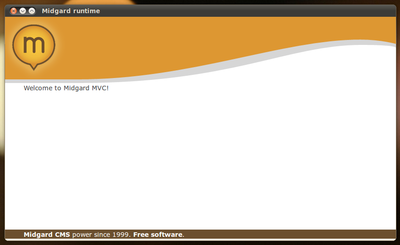
Midgard2 10.05.1 was released yesterday, bringing a long-waited feature finally to the Midgard installation packages: the Midgard Runtime.
Midgard Runtime is an application that consists of a simple Qt WebKit viewer that, when run, starts a local Midgard web server on the background and connects to it. This means that you'll have the full Midgard MVC stack available on your own desktop, in a way that is easy to install and easy to run. Get it for your favorite Linux distribution from OBS!
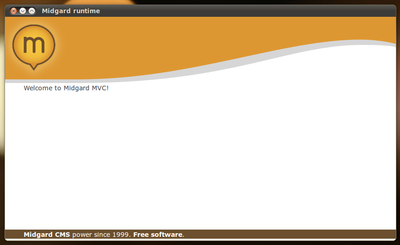
As a whole, the Midgard Runtime stack is quite interesting:
- SQLite is used as the default storage through the libgda4 abstraction layer
- Midgard2 is used as the content repository, brought to PHP through an extension
- Midgard MVC provides the web development framework
- Alexey Zakhlestin's AppServer is used as the pure-PHP web server
- The Qt application starts server processes on the background and displays the site in a WebKit view
- Runtime's bundle setup tool uses libraries from the Pake build system
The AppServer is particularly something that other PHP projects might find useful. Since the server itself is written in PHP you don't have any additional dependencies besides php-cli. It also means your application can use a lot more efficient caching as files have to be loaded only once, and things can be kept in memory between requests. Of course the downside is that if your PHP script dies, then the whole server is down. But that is easy to deal with by a bit of defensive programming.
At this point the Runtime is targeted at web developers interested in trying out Midgard, but eventually we'll be using the bundle system also for distributing full Midgard-powered web applications to the desktop. The progress on this can be followed on GitHub.
Compared to Nokia's Web Runtime, the Midgard Runtime should be more familiar to developers as you'll be able to write also server-side PHP code, not just JavaScript. In addition to PHP, the whole system is also accessible via any language that can handle GObject Introspection.
So, what can I do with it?
- Install a Midgard environment with $ midgard2-runtime-bundle-simple-install
- Start the runtime with $ midgard2-runtime-bundle-simple-run
- Midgard MVC and components are located in ~/.midgard2/simple-bundle/. This is where you can also place your own code
Continue reading